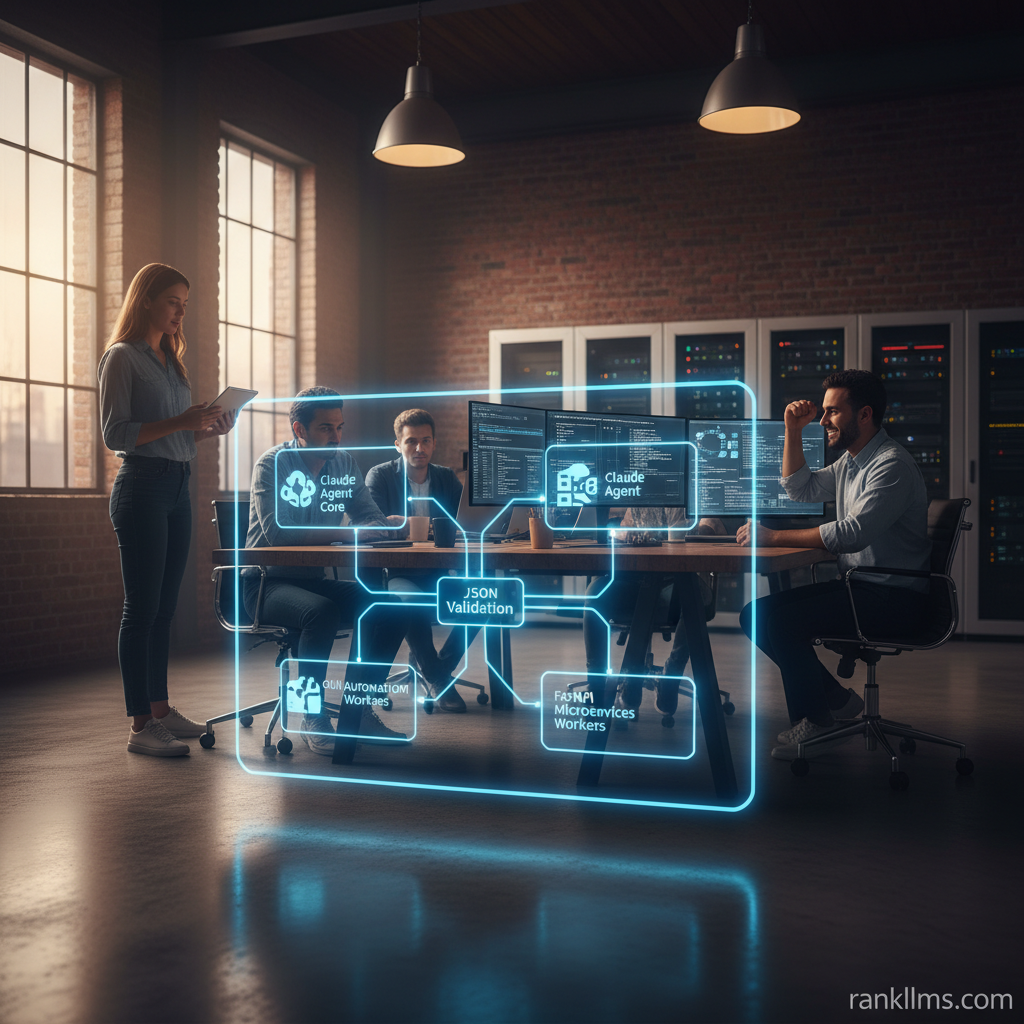
Deploy Claude Computer Use locally by running Claude’s agent inside a controlled local environment (commonly a Docker container) and exposing a small API or CLI that accepts prompts and returns actions. This lets you leverage Claude’s Computer Use for local GUI automation, file operations, and scripted workflows without sending every action to a cloud service.
Intro
Quick answer (featured snippet-ready)
To Deploy Claude Computer Use locally, run Claude’s agent in a controlled local environment (typically inside Docker) and expose a small API or CLI that accepts prompts and returns actions—this lets you leverage Claude’s Computer Use for local GUI automation, file operations, and scripted workflows without sending every action to a cloud service.
Step-by-step summary (1–5 for snippet)
1. Prepare prerequisites: local machine with Docker, Python 3.10+, and GUI automation software (e.g., PyAutoGUI, AutoHotkey).
2. Pull or build a Docker image for the Claude agent and any helper services (Python runtime, headless browser).
3. Configure credentials and secure the agent (use local keys or follow an Anthropic developer guide workflow).
4. Start the container, run smoke tests, and validate outputs (including JSON schema validation where applicable).
5. Iterate on prompts, add monitoring, and harden security.
What this post covers
- Why you might want to Deploy Claude Computer Use locally
- Background on core components: Docker for Claude agent, Python AI development, GUI automation software
- A practical, repeatable local deployment path (Docker-first and Python-first)
- Key best practices from the Anthropic developer guide and schema validation advice
- Future trends and next steps
If you’ve ever treated a local AI agent like a capable assistant sitting beside you on a laptop—able to open files, perform clicks, or drive a browser—this guide is built to get you from concept to an initial, secure deployment. Think of the local agent like a certified electrician working behind a locked panel: you give structured instructions, but the actual physical operations stay inside your environment.
Background
What is Claude’s Computer Use capability?
Claude’s Computer Use lets Claude interact programmatically with local resources—files, applications, web browsers—by emitting structured actions instead of only producing text. Instead of returning a paragraph describing how to fill a spreadsheet, Claude can output an action plan or JSON payload that your local runner executes. The official dispatch-and-computer-use post explains the concept and typical patterns for agent action design and security [Claude documentation].(https://claude.com/blog/dispatch-and-computer-use)
Local deployment differs from cloud-hosted workflows in several ways:
- Data locality: Sensitive files never leave your host.
- Latency and connectivity: Local agents can execute immediate actions without network round-trips to a model host.
- Control and auditability: You can enforce policy, logs, and schema validation locally.
Core components for a local deployment
- Docker for Claude agent: Containerize the agent and dependencies for reproducibility and environment isolation. A Docker image standardizes Python versions, SDKs, and automation tools.
- Python AI development: Use Python as the orchestration layer—prompt templates, SDKs (or local shims), action validators, and a small API (FastAPI or Flask) to accept prompts. This aligns with typical Python AI development workflows.
- GUI automation software: Tools such as PyAutoGUI, Selenium (for browser tasks), or AutoHotkey (Windows macros) execute the OS-level actions the agent decides.
- Local API layer: Lightweight endpoint (FastAPI/Flask) that receives prompts, returns structured JSON (actions), and optionally approves or rejects actions before execution.
Security, licensing, and Anthropic developer guidance
Follow recommendations from the Anthropic developer guide for safe behavior, credential handling, and rate limits. Key mappings for local setups:
- Secrets: Use local secret stores or OS keyrings instead of baking keys into images.
- Least privilege: Run automation processes with minimal privileges; favor a dedicated automation user or VM.
- Audit logs: Emit structured logs of actions and validate that outputs conform to the allowed schema before execution.
Why validate outputs: JSON schema and structured responses
Validate generated JSON against a canonical JSON Schema before executing any action. Schema validation enforces types, required fields, and prevents additionalProperties that could represent injection. Use programmatic validators during development and CI to catch errors early. The JSON Schema site is a good reference for best practices: https://json-schema.org/
In short: always validate, log, and sandbox. This prevents accidental file deletions, unexpected commands, or malformed automation instructions.
Trend
Market and technical drivers
There’s growing demand for Deploy Claude Computer Use locally driven by privacy, latency, and control. Organizations that process sensitive documents prefer on-prem or edge agents to keep data inside their perimeter. At the same time, Python AI development is maturing rapidly—libraries and local SDKs make prototyping faster—while container tooling like Docker ensures environments are reproducible and secure.
Latency-sensitive automation (e.g., UI-driven trading terminals, device control) benefits from local models or locally proxied model services. Another driver is regulatory scrutiny: keeping PII or IP inside local infrastructure reduces compliance risk.
Tooling trends
- Convergence of container tooling (Docker), orchestration (docker-compose/k3s), and model shims for local deployments.
- More sample repos, boilerplate Dockerfiles, and FastAPI wrappers specific to Claude’s Computer Use patterns.
- Increased documentation from vendors (see Anthropic/Claude docs) and schema-first tooling that enforces output structure from the start.
Typical use cases gaining traction
- Automated data-entry and desktop workflows using GUI automation software rather than brittle human scripting.
- Local assistants that can access proprietary codebases or customer documents without sending them to a remote endpoint.
- Developer tooling that generates and runs tests locally, accelerating iteration for software teams.
Analogy: deploying a local Claude agent is like hosting a personal, trained robot in your office—the robot follows strict instructions (schema), works in a fenced area (container/VM), and only does what you explicitly authorize.
Insight
Recommended architecture for a first local deployment
- Host machine (developer laptop or VM)
- Docker container running the Claude agent and model shim
- Python API wrapper (FastAPI) that receives prompts, returns structured JSON actions
- Automation worker(s): PyAutoGUI / Selenium / AutoHotkey executing validated actions
- Optional: an approval UI that lets a human confirm sensitive actions before execution
Diagram (conceptual):
Host ⇄ Docker (Claude) ⇄ Python wrapper ⇄ Automation worker
Minimal Docker-based deployment (practical recipe)
1. Install Docker and Docker Compose.
2. Create Dockerfile using a Python base (3.10+) with required libs: anthopic SDK or local client shim, FastAPI, pydantic/jsonschema, PyAutoGUI, and Selenium if you need browser automation.
3. Add a small FastAPI app that:
- Accepts a prompt and optional context files
- Passes the prompt to Claude agent (locally or via a configured SDK)
- Validates output JSON against a predefined JSON Schema
- Returns actionable steps and optionally triggers the automation worker
4. Mount local volumes for artifacts and logs; use environment variables for credentials and point to a local secret store.
5. Run docker-compose up and validate with smoke tests that assert JSON schema conformance and simulate action execution in a disposable VM.
Python-first deployment (if you prefer no containers)
- Use virtualenv/poetry, install the Anthropic SDK (or a local stub), and run the same FastAPI wrapper directly.
- Pros: faster iteration, simpler debugging.
- Cons: less reproducible and risk of host contamination if you run unsafe automation locally.
Integrating GUI automation software
- Recommended libraries: PyAutoGUI (cross-platform), Selenium/Playwright for browser automation, AutoHotkey for Windows.
- Best practices:
- Run automation inside a controlled VM or desktop session.
- Use stable selectors, screenshots, and retries to reduce flakiness.
- Keep a \”dry-run\” mode that logs actions without performing them.
Testing and schema validation (operational insight)
- Use JSON Schema validators (pydantic, jsonschema) to enforce action formats. Keep a small set of canonical examples to seed prompts.
- Log and surface schema validation errors to developers immediately.
- Prefer safe defaults: when the model is uncertain, return neutral non-empty values (e.g., empty arrays) rather than omitting required fields.
Common pitfalls & debugging tips
- Missing types or additional properties: enable strict JSON validation.
- GUI flakiness: rely on coordinate-independent selectors, use retry/backoff.
- Credential leakage: keep secrets out of images and use local secret managers.
Forecast
Short-term (6–18 months)
Expect more community repositories and Docker images tailored for Deploy Claude Computer Use locally. Vendors will publish clearer examples in their developer docs (Anthropic is already publishing patterns—see Claude’s blog on dispatch and computer use). Improved sample templates and boilerplate will shorten time-to-prototype.
Mid-term (1–3 years)
A shift toward standardized schema-first agent patterns is likely. SDKs may include built-in validators and sandboxed execution primitives; orchestration tools will manage multiple local workers across hosts with stronger security controls. As Python AI development continues to dominate rapid prototyping, the ecosystem will add more robust libraries for connecting language models to system actions.
Long-term (3+ years)
Local autonomous agents will be widely adopted by small businesses and enterprises for privacy-sensitive automation. This will attract regulatory attention and a set of best-practice standards for on-prem agent behavior, auditing, and certification. We may also see embedded hardware or local inference appliances optimized for low-latency agent tasks.
CTA
Quick checklist to get started now (featured-snippet friendly)
- Install Docker and Python 3.10+.
- Clone or create a Docker image for the Claude agent and a small FastAPI wrapper.
- Add a JSON Schema for expected agent actions and enable runtime validation.
- Run smoke tests, verify automation on a disposable VM, and iterate.
Next steps
- Consult the Anthropic developer guide and the Claude documentation for API/SDK specifics and security notes: https://claude.com/blog/dispatch-and-computer-use
- Read JSON Schema guidance for validator patterns and strictness settings: https://json-schema.org/
- Try a starter repo (suggested: minimal Docker + FastAPI example); comment with your OS and I’ll provide a tailored example.
Final prompt for readers (engagement)
Want a ready-to-run starter repo to Deploy Claude Computer Use locally? Comment below with your OS and preferred automation stack (PyAutoGUI, Selenium, or AutoHotkey) and I’ll share a Docker + FastAPI example tailored to your environment.
Related reading: See Claude’s Dispatch and Computer Use post for design patterns and safety recommendations: https://claude.com/blog/dispatch-and-computer-use
If you’d like, I can follow up with a concrete repository that contains a Dockerfile, compose file, FastAPI wrapper, JSON Schema, and a smoke-test script—just tell me your preferred OS and automation tool.