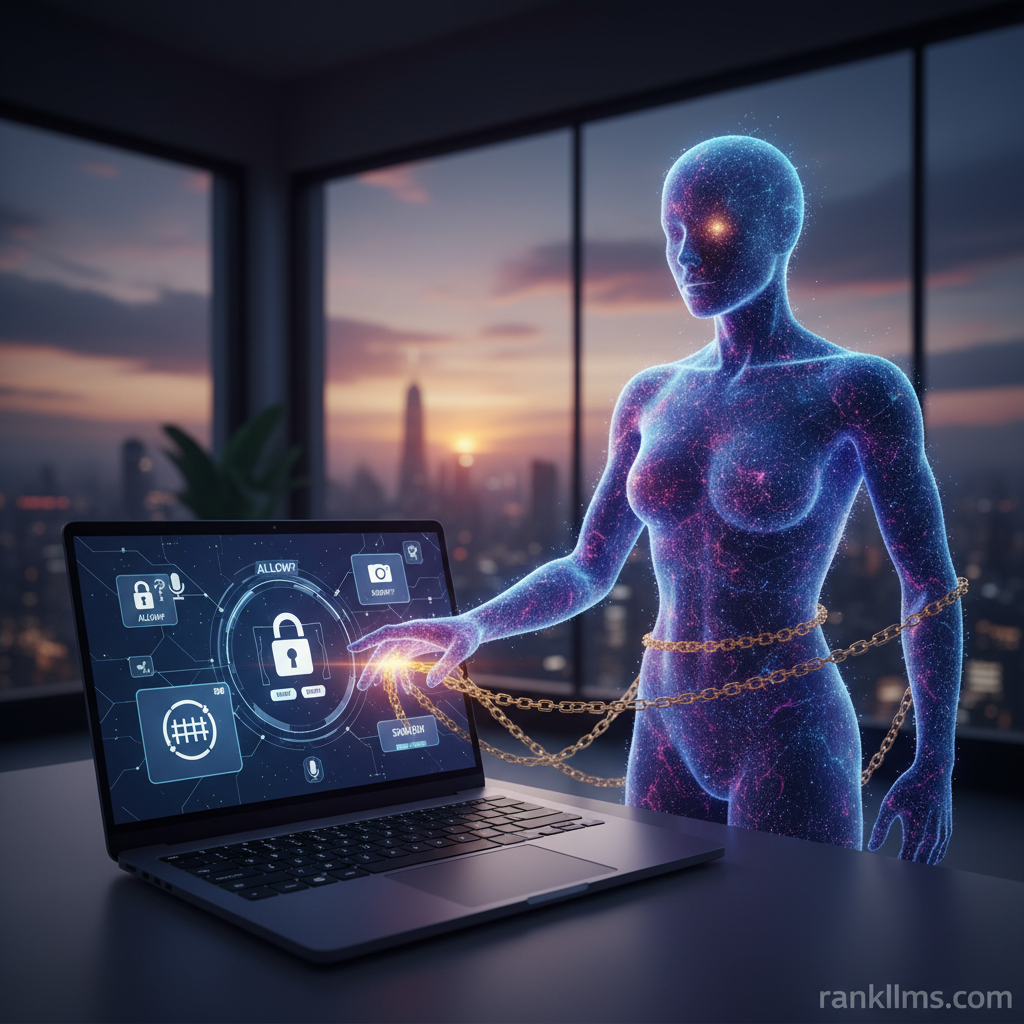
Granting an assistant real control over your workstation isn’t hypothetical anymore — it’s a concrete decision with immediate trade-offs. Claude computer use security is the practice of limiting what a Claude-style agent can do on your device, protecting AI privacy, enforcing strict OS permissions, and reducing local AI control risks. Think of it as deciding whether to hand a guest your house keys, plus the garage opener and the alarm code. This post is a provocation: treat those keys like they unlock more than convenience — they unlock your secrets and your system’s integrity.
What this post covers:
- A concise definition of the problem and stakes
- How Claude-style agents request and use OS permissions and Anthropic security protocols
- Why the shift to local AI control is accelerating
- A practical risk checklist and mitigation steps you can apply today
- Forecasts for how technology and policy will reshape secure AI-on-device use
For vendor guidance and the official stance on agent computer access, see Anthropic’s dispatch on computer use (https://claude.com/blog/dispatch-and-computer-use).
Background
What does \”granting Claude control over your OS\” mean?
Granting a Claude-based agent control means you allow it to execute commands, read or write files, use the network, or control peripherals — from automating mundane tasks to installing software. Claude computer use security focuses on configuring those capabilities safely: trimming OS permissions, ensuring AI privacy for inputs/outputs/logs, and minimizing local AI control risks like persistence or privilege escalation.
Key definitions:
- OS permissions: system-level privileges given to software (read, write, execute, network, device access).
- AI privacy: how data an AI processes is stored, shared, or logged.
- Local AI control risks: threats from granting an AI local access — e.g., data exfiltration, unintended changes, or backdoors.
How Claude-style models typically interact with a computer
- API / local runtime: Models run locally or connect to hosted services. Local runtimes reduce cloud exposure but increase device-scope risk.
- Bridge/agent layer: Middleware translates model outputs into OS actions (scripts, shell commands, file ops).
- Permissions prompts: Users or admins grant access — sometimes broadly and permanently.
- Telemetry and logs: Activity records that can contain sensitive inputs and outputs if not carefully managed.
Anthropic and other providers publish guardrails and deployment patterns — see Anthropic’s dispatch for their recommended controls (https://claude.com/blog/dispatch-and-computer-use). Typical protocols include least-privilege defaults, sandboxing, explicit action permissions, and bounded sessions. But remember: vendor guidance is not a substitute for robust local policy and active oversight.
Trend
Why this matters now
Local and hybrid LLM deployments are moving from research demos to everyday tooling. Enterprises and consumers are increasingly embedding assistant features into file managers, IDEs, email clients, and automation platforms — many of which request OS permissions such as file access or the ability to run scripts. That shift multiplies attack surfaces: every permission granted is a potential vector for data leakage or a foothold for persistence.
Three signals accelerating the risk:
- Vendor releases: More tools now offer native \”computer control\” gestures. Watch for product updates and the Anthropic dispatch on computer use (https://claude.com/blog/dispatch-and-computer-use).
- Proof-of-concept research: Security researchers are demonstrating how agent frameworks can be abused for privilege escalation, data exfiltration, or persistence. These POCs often precede real-world exploitation.
- Policy momentum: Regulatory frameworks (e.g., EU AI Act discussions) are pushing for demonstrable safeguards, retention minimization, and auditable consent. See EU AI policy updates for context (https://commission.europa.eu/public-health-and-food-safety/what-we-do/policy-developments/artificial-intelligence-europe_en).
Analogy for clarity: giving an agent broad OS permissions is like hiring a housekeeper and handing over a master key, your safe combination, and remote access to your security cameras. Convenience increases — but so does the potential span of damage.
Insight
Threat model: what can go wrong?
- Data leakage: The agent can access and upload private files to external services, intentionally or via misconfiguration.
- Unintended actions: Automation runs commands that delete or corrupt data, or change critical configurations.
- Privilege escalation: The agent leverages granted permissions to gain higher OS privileges (installing services or modifying system files).
- Persistence & stealth: The agent installs backdoors or scheduled tasks and reappears after permissions are revoked.
Risk matrix (concise):
- High impact, high likelihood: Data leakage from overly broad file permissions.
- High impact, medium likelihood: Privilege escalation if the agent can run installers or modify system services.
- Medium impact, medium likelihood: Unintended system modifications from automated scripts.
Practical mitigations (short, actionable)
1. Apply least privilege: Only grant the exact permissions required for the task; never blanket control.
2. Use sandboxing: Run the agent in containers, VMs, or OS sandboxes to restrict filesystem and network visibility.
3. Require explicit consent per action: Configure agents to ask before each sensitive operation.
4. Isolate sensitive data: Keep high-value files in encrypted volumes not mounted to the agent.
5. Network controls: Restrict outbound traffic and route necessary connections through inspection proxies.
6. Audit and logging: Enable immutable logging and review access events frequently.
7. Time-bound access: Grant permissions that expire automatically after a task completes.
8. Vendor validation: Choose providers with clear Anthropic security protocols and transparent privacy practices.
Example: Before letting Claude edit code and run tests, mount only the project directory (read/write as needed), run in a container, and route network traffic to an internal dependency cache rather than the public internet. Test with dummy files first.
Forecast
Short-term (6–18 months)
Expect UX improvements centered on time-limited, purpose-built permissions. Vendors, including Anthropic, will publish more granular controls and deployment guides (see Anthropic’s dispatch: https://claude.com/blog/dispatch-and-computer-use). Enterprises will adopt tooling for automated sandbox orchestration and better RBAC for agent features.
Medium-term (18–36 months)
Operating systems will begin to support AI-specific permission scopes — “AI action” permissions that are more granular than traditional app permissions. Hardware-backed attestations (TPM, Secure Enclave) will be used to validate runtime integrity and prove that a local model or agent hasn’t been tampered with.
Long-term (36+ months)
We’re likely to see standardized audit formats and certifications for AI-on-device security, along with mature ecosystems of isolated runtimes and third-party attestation services. Regulation will catch up, forcing audit trails, consent logs, and minimum safeguards for local AI control risks.
Implication: organizations that adopt least-privilege workflows and sandboxing now will have a competitive compliance advantage as rules harden.
CTA
Immediate actions you can take today
- Run the 1–5 minute audit checklist:
1. Identify exact OS actions you need Claude to perform.
2. Map actions to minimal permissions (e.g., read-only, specific folder access).
3. Create an isolated runtime (container/VM) and mount only required resources.
4. Block or proxy network egress unless necessary; whitelist endpoints.
5. Enable detailed logging; test with synthetic data first and revoke access when done.
- Operationalize best practices:
- Implement RBAC for who can enable computer-use features.
- Require peer review for automation scripts the agent may run.
- Prepare an incident playbook for a compromised agent.
- Questions to ask vendors and your security team:
- What exact OS permissions does the agent request, and why?
- How are user inputs and logs stored, for how long, and who can access them?
- Are sandboxing and hardware attestation supported?
- Is time-limited access enforced automatically?
For vendor guidance, review Anthropic’s official dispatch (https://claude.com/blog/dispatch-and-computer-use) and align your policies with emerging regulatory guidance such as EU AI policy (https://commission.europa.eu/public-health-and-food-safety/what-we-do/policy-developments/artificial-intelligence-europe_en).
Bold reminder: Claude computer use security is about making intentional, auditable trade-offs. Start small, apply least privilege, and iterate as vendor protocols and regulations mature. If you want a ready-made tool, consider downloading a printable checklist or internal policy template — label it “Claude OS Permissions Security Checklist” and force a formal review before granting any agent local control.